03 · Live lesson record

Record quickly. Claim carefully.

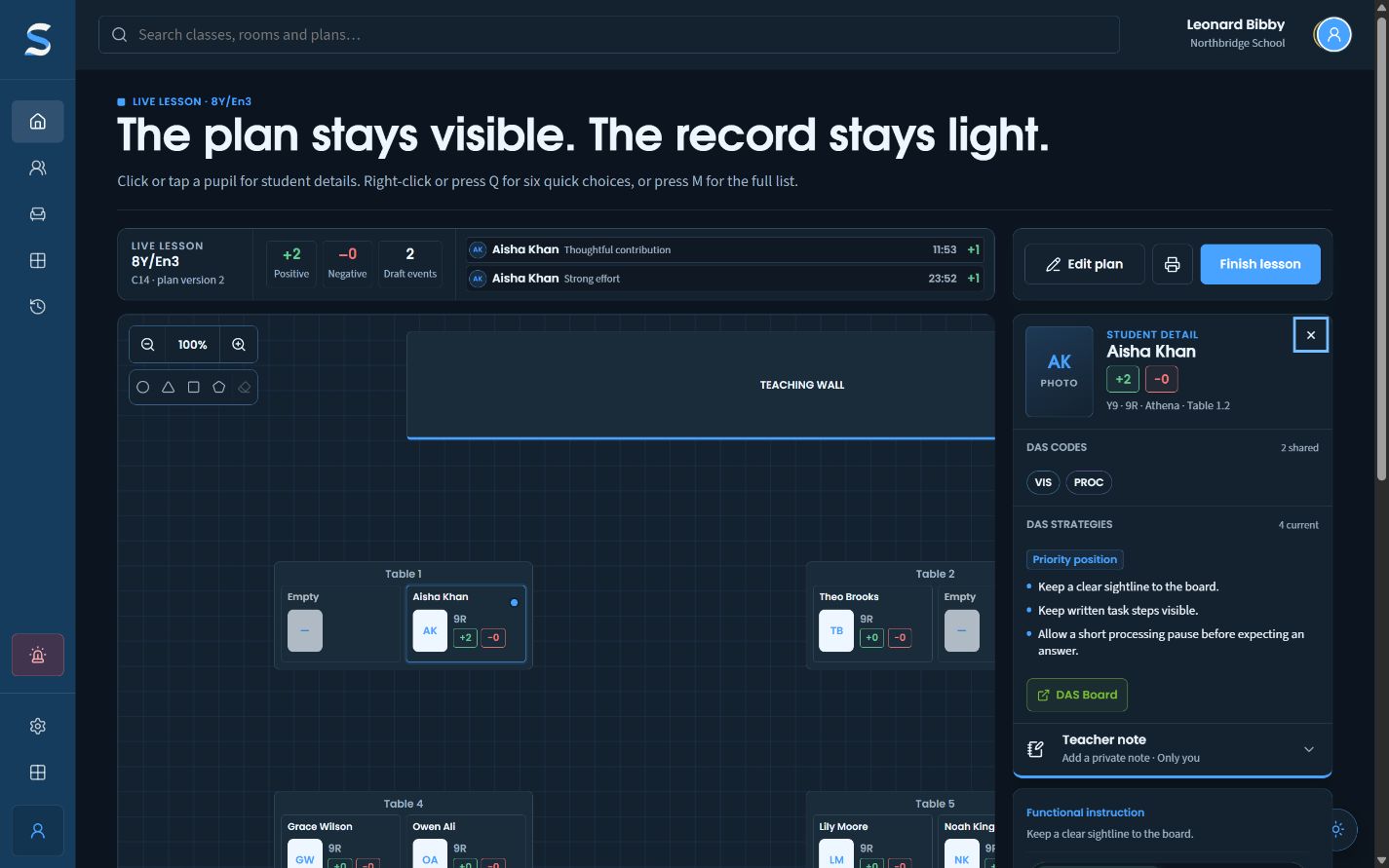
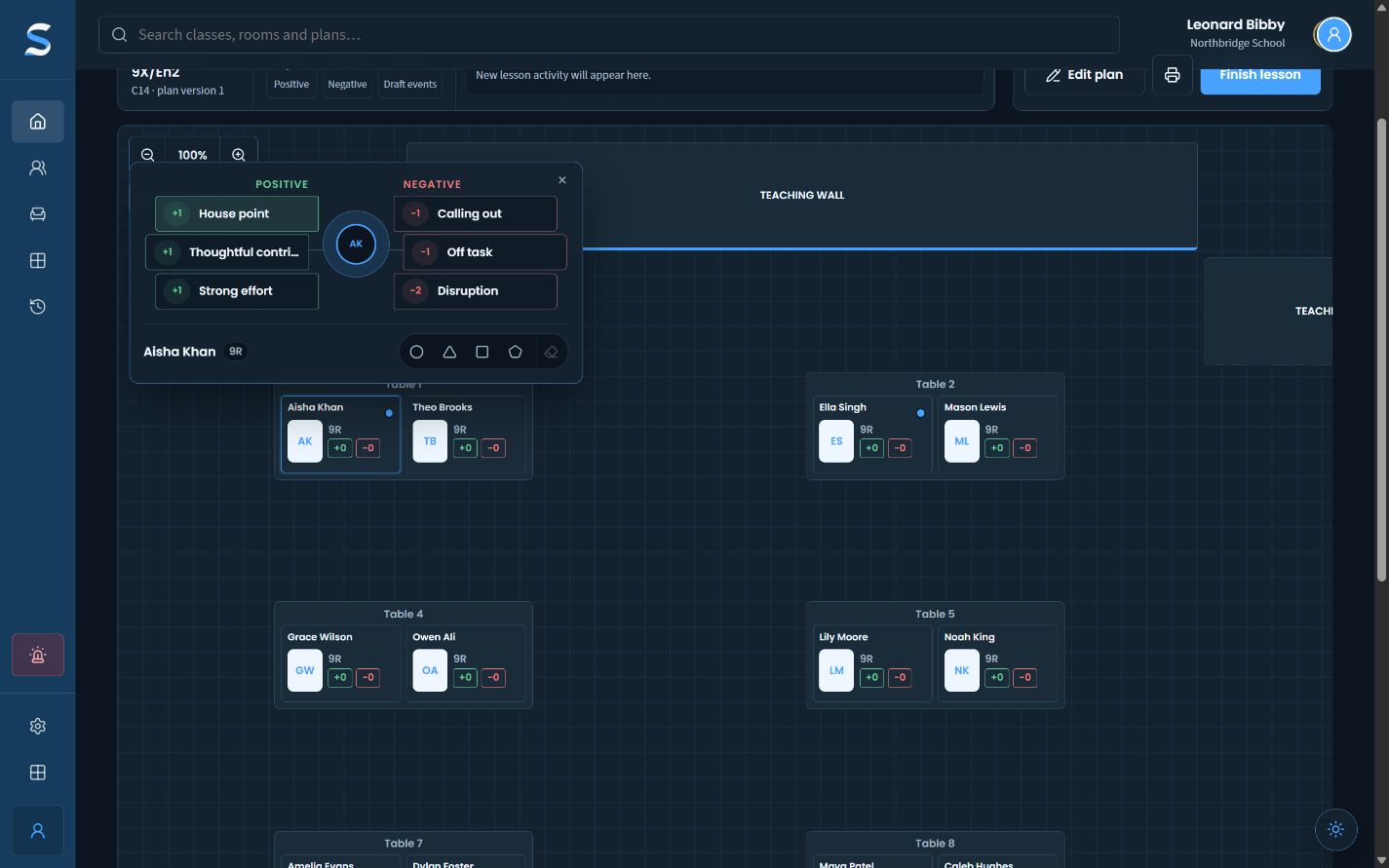
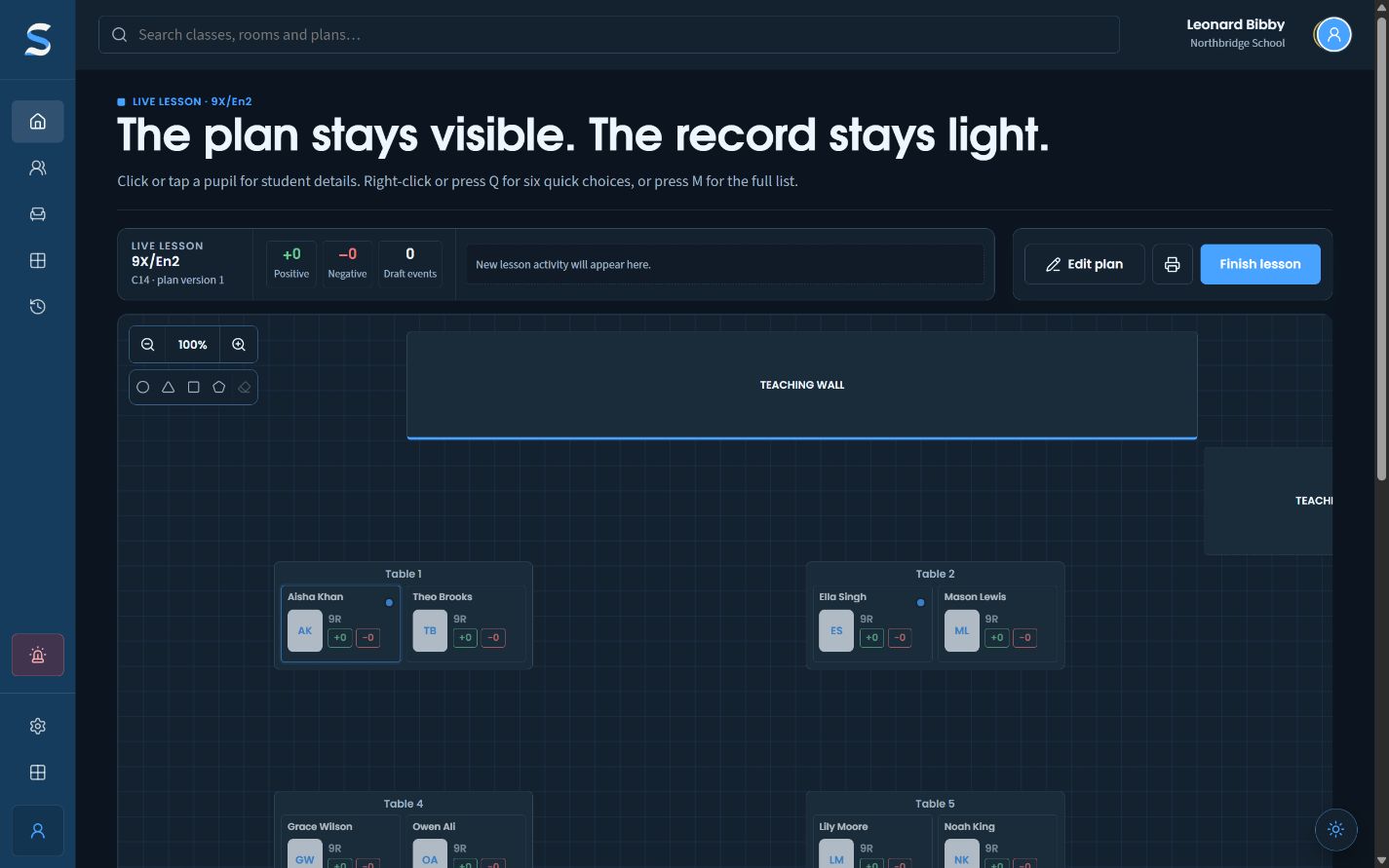
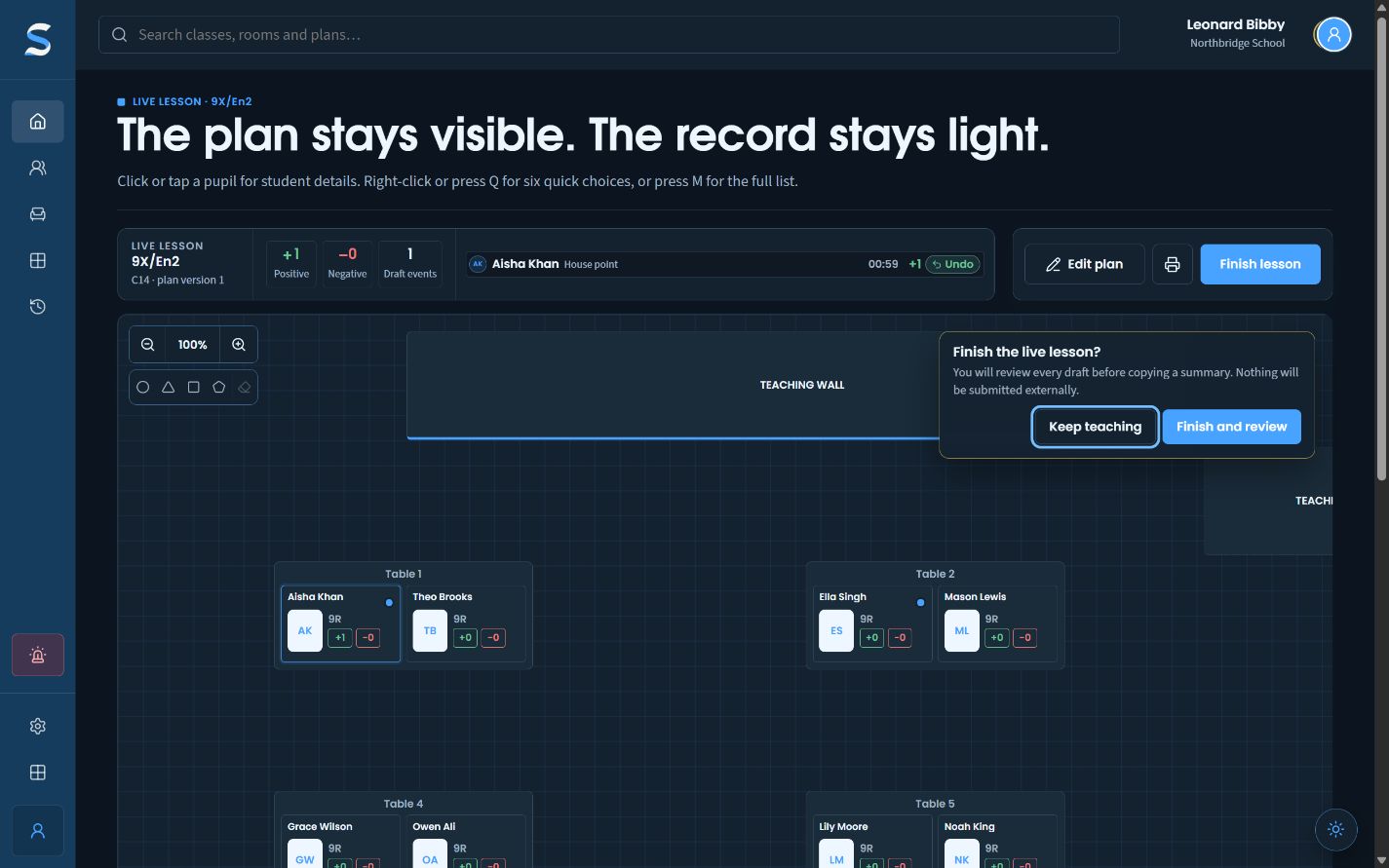
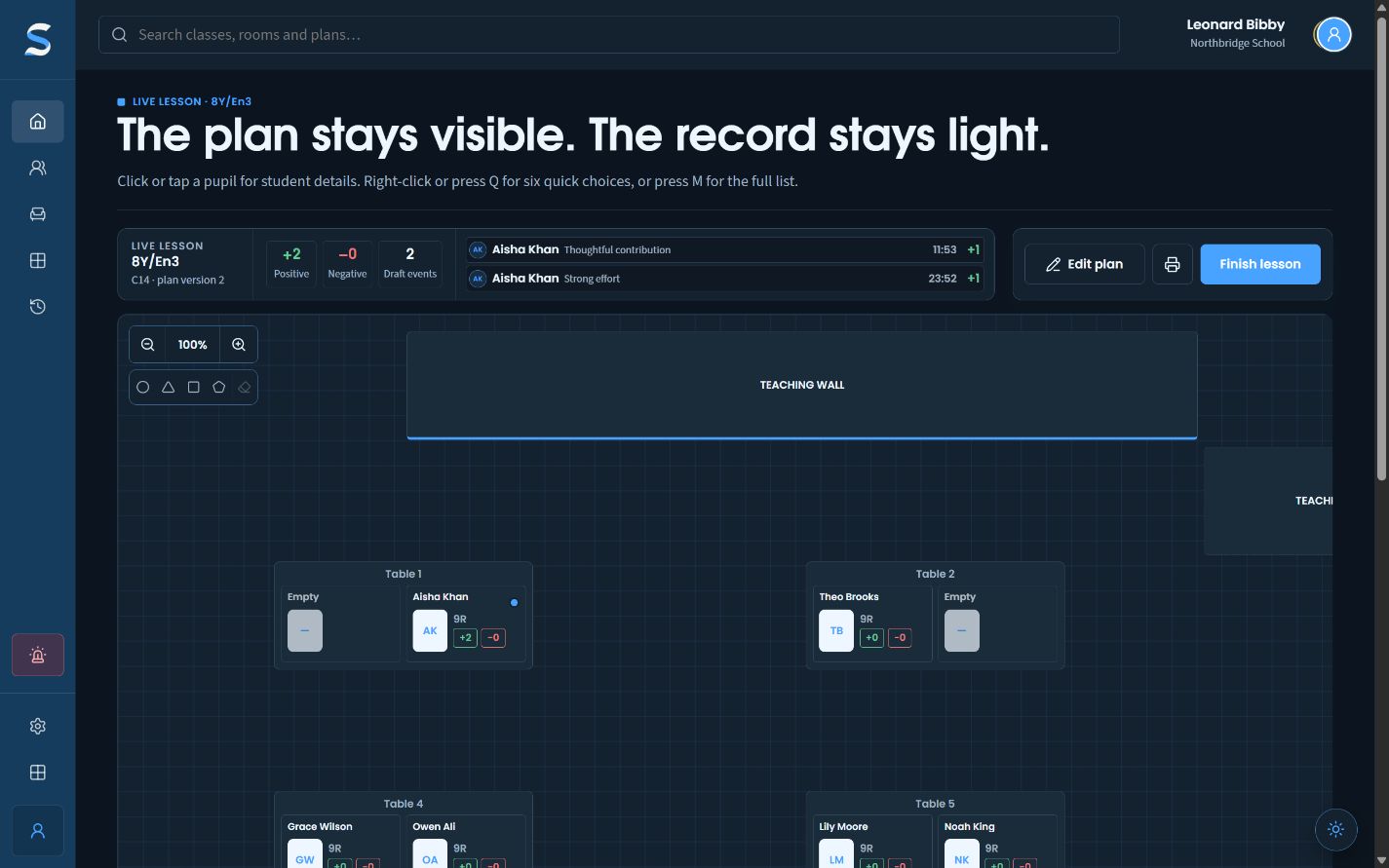
Approved DAS strategies stay one pupil tap away during the lesson. A quick classroom action then becomes a SitRep draft for factual review afterwards.
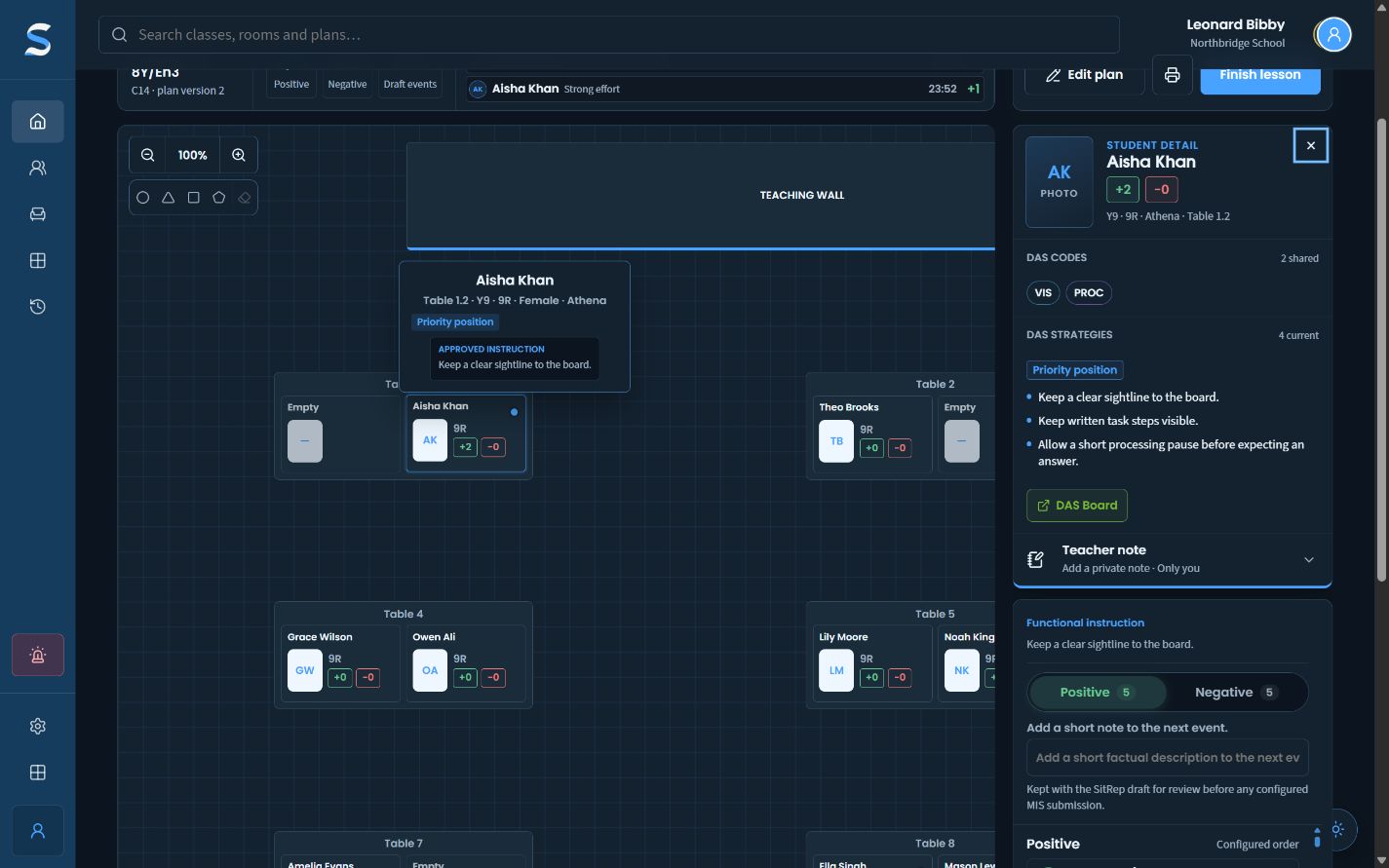
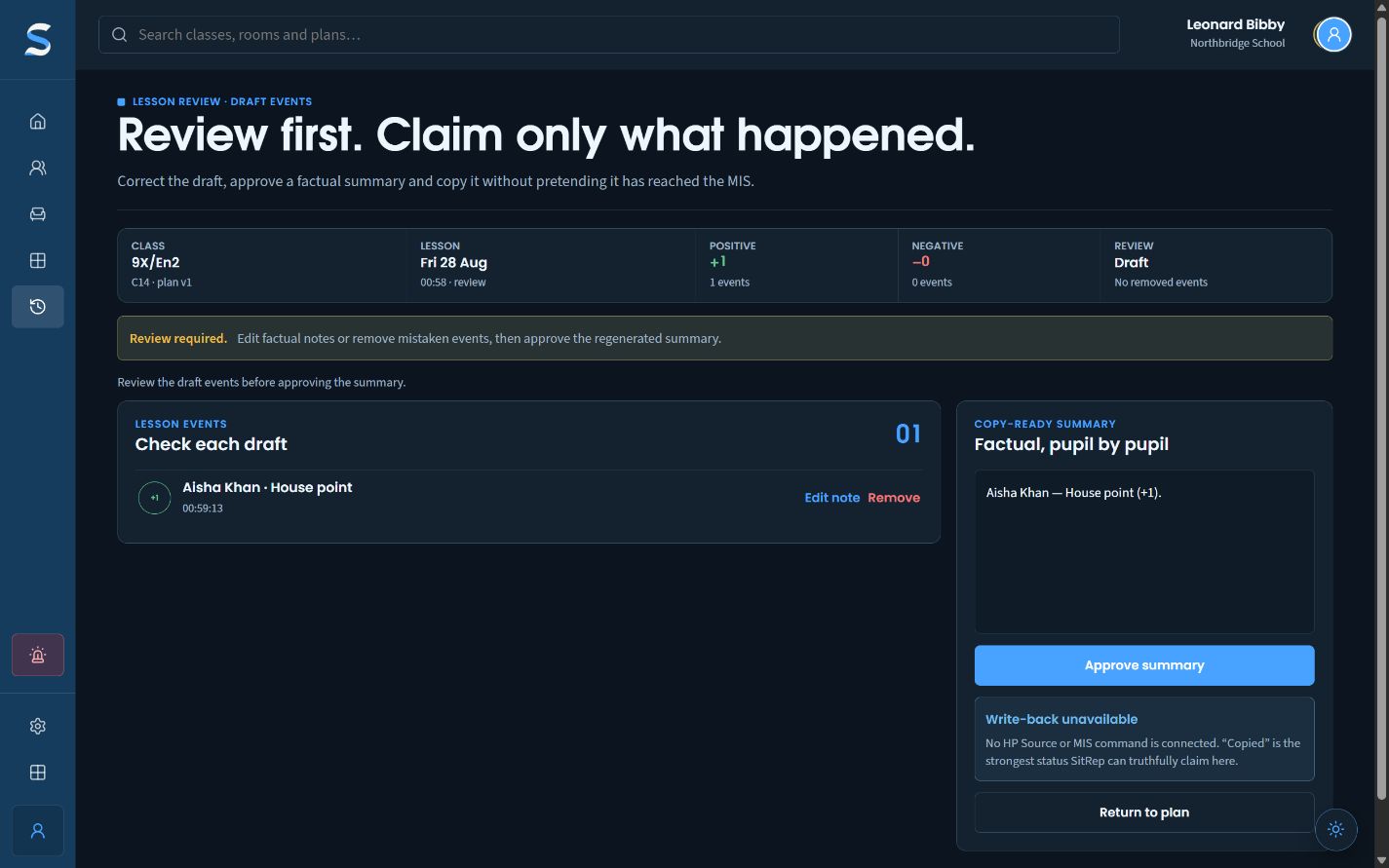
The corrected dark-mode lesson review with one factual draft and a copy-ready summary.Fictional Northbridge School data
  1. 01Open approved support
  2. 02Add a short draft
  3. 03Review before copying

The problem

Where the ordinary workflow breaks.

A support strategy is no use if the teacher has to leave the live plan to find it. Fast recording can also turn a hurried tap into a final claim.

What SitRep changes

The useful part stays in reach.

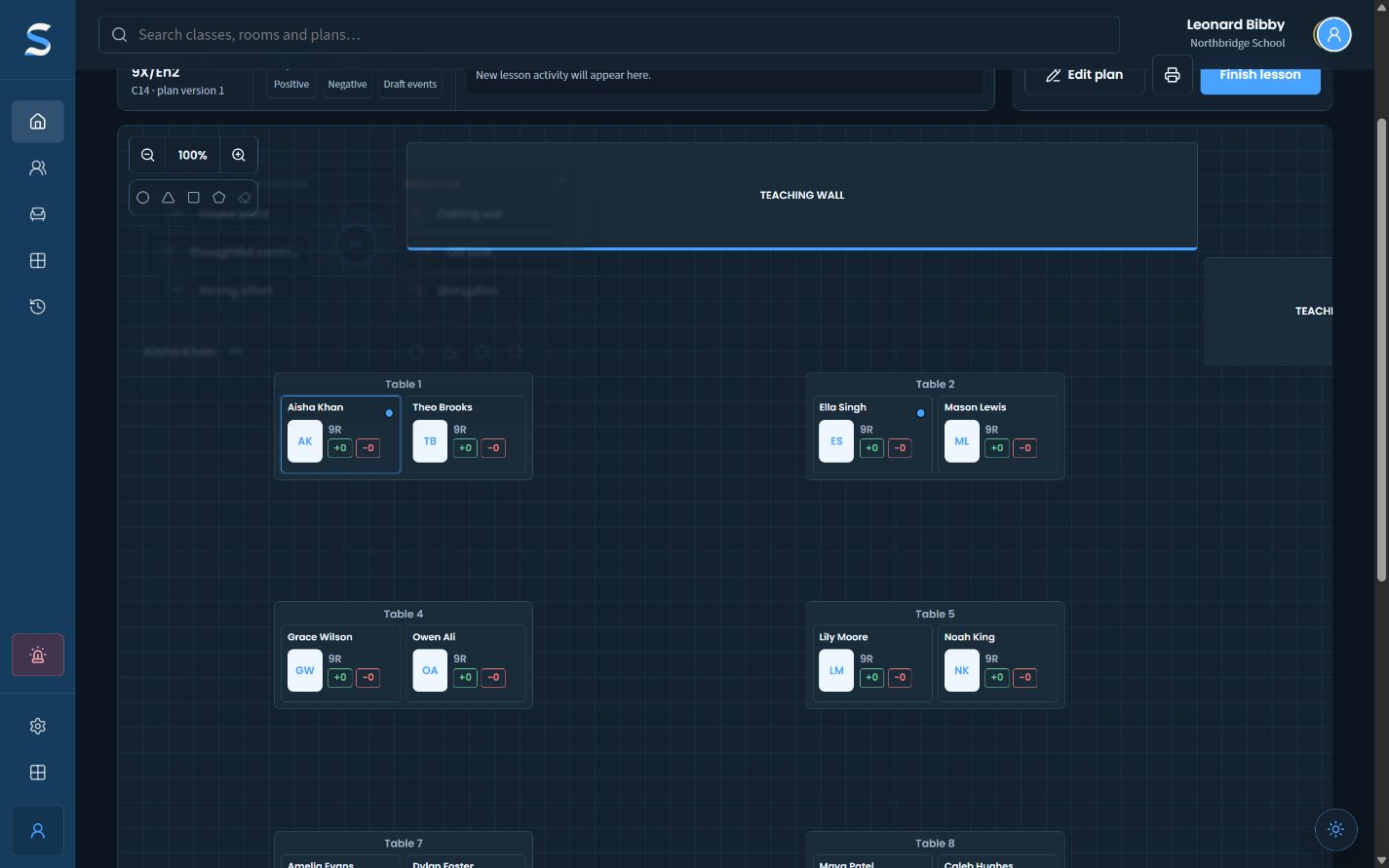
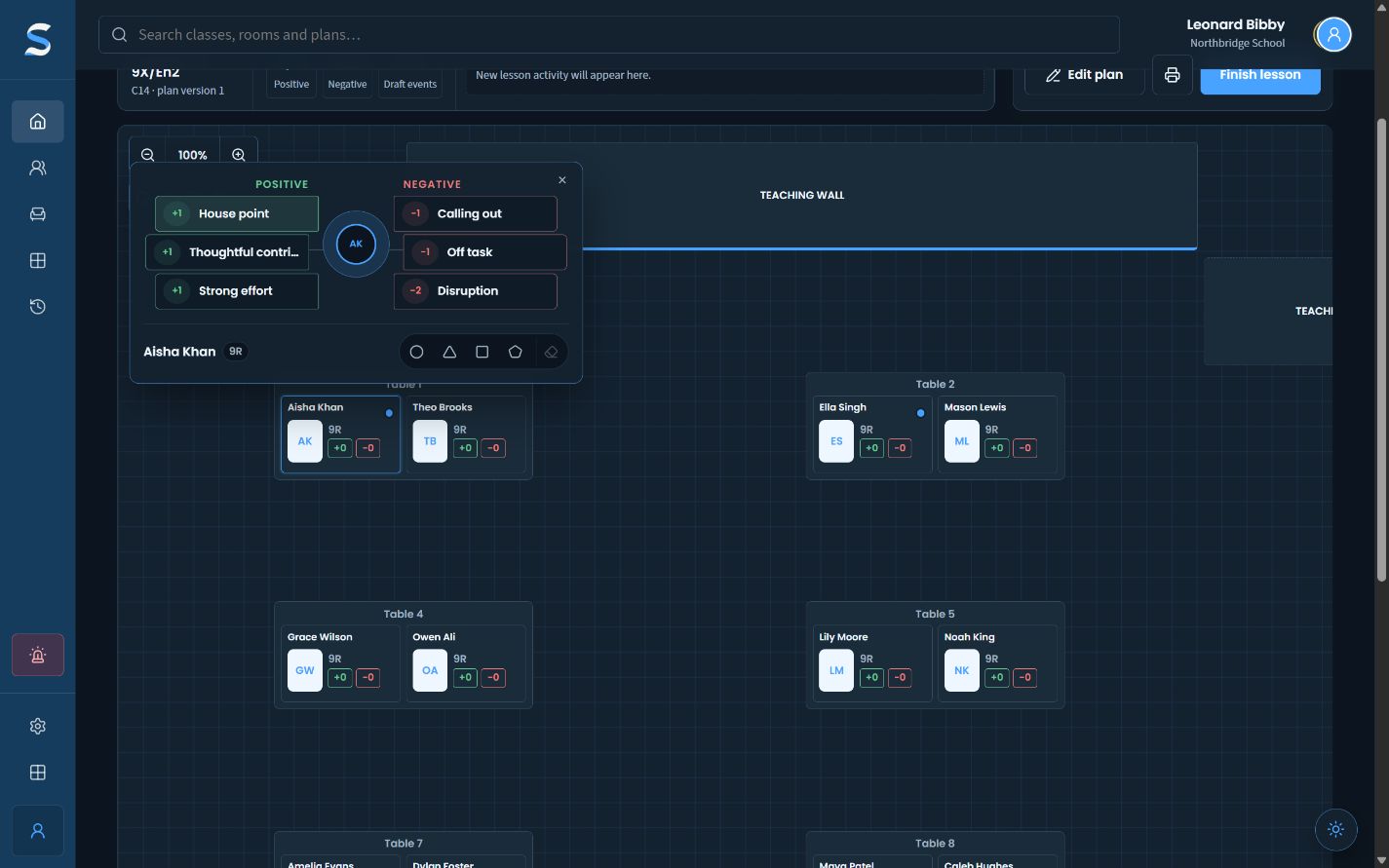
SitRep keeps the seating plan visible, opens approved classroom strategies beside the relevant pupil, offers short configured actions and gathers the draft into a review screen before any copy or export.

Compared cleanly

Not just another way to draw a seating plan.

  1. 01

    Compared with a final MIS event

    SitRep keeps the first tap provisional. The lesson record can be corrected before a factual summary is approved.

  2. 02

    Compared with paper or memory

    The action stays attached to the pupil and lesson, with a review trail ready when teaching stops.

The honest boundary

What this workflow does not claim.

The live view shows approved classroom support, not diagnostic rationale. These captures use fictional data; no lesson action shown has been written to an MIS or another Critical Developments product.

Next: Arrange a classAll three demos