02 · Audience-aware plan

Change the view. Not the room.

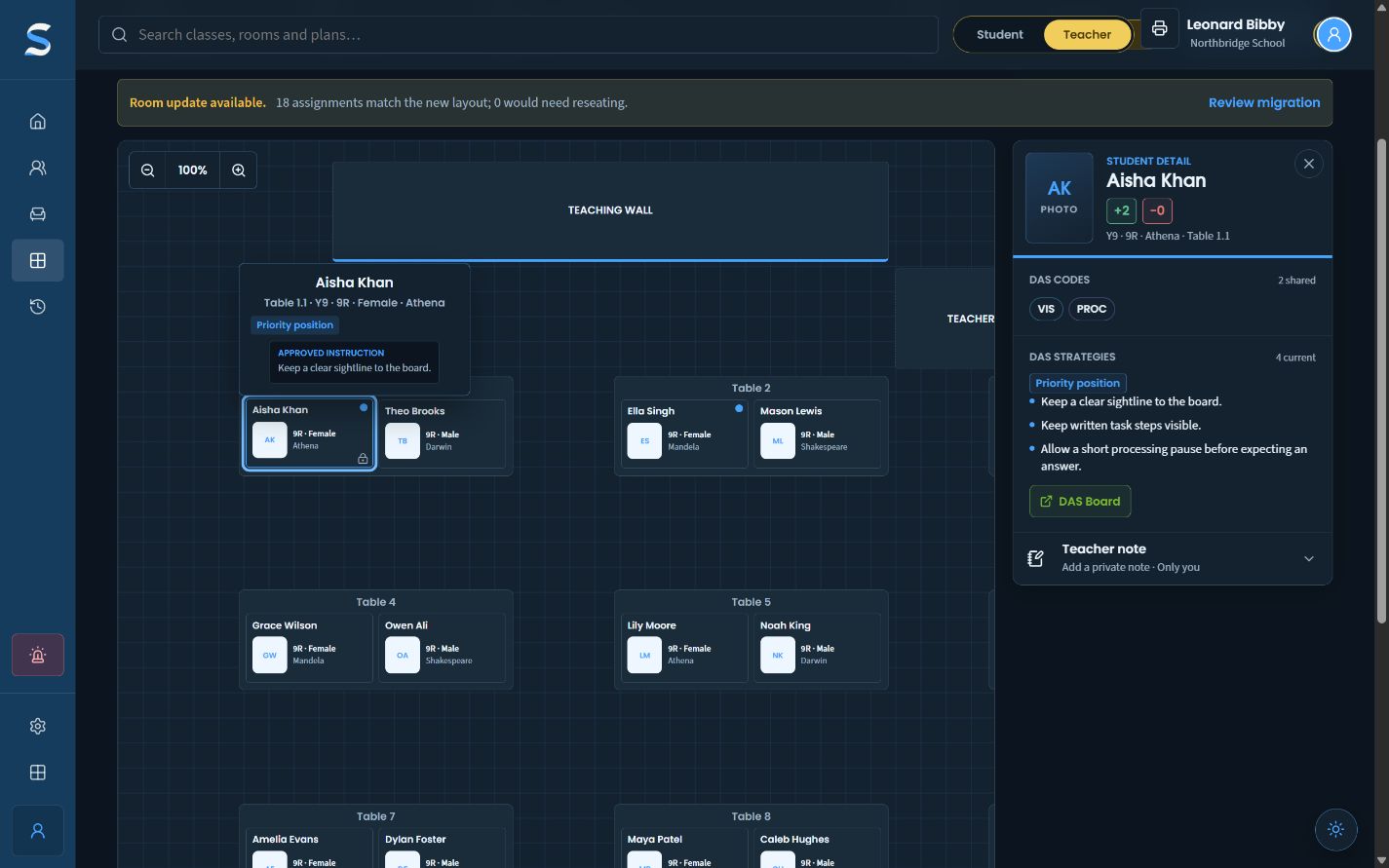
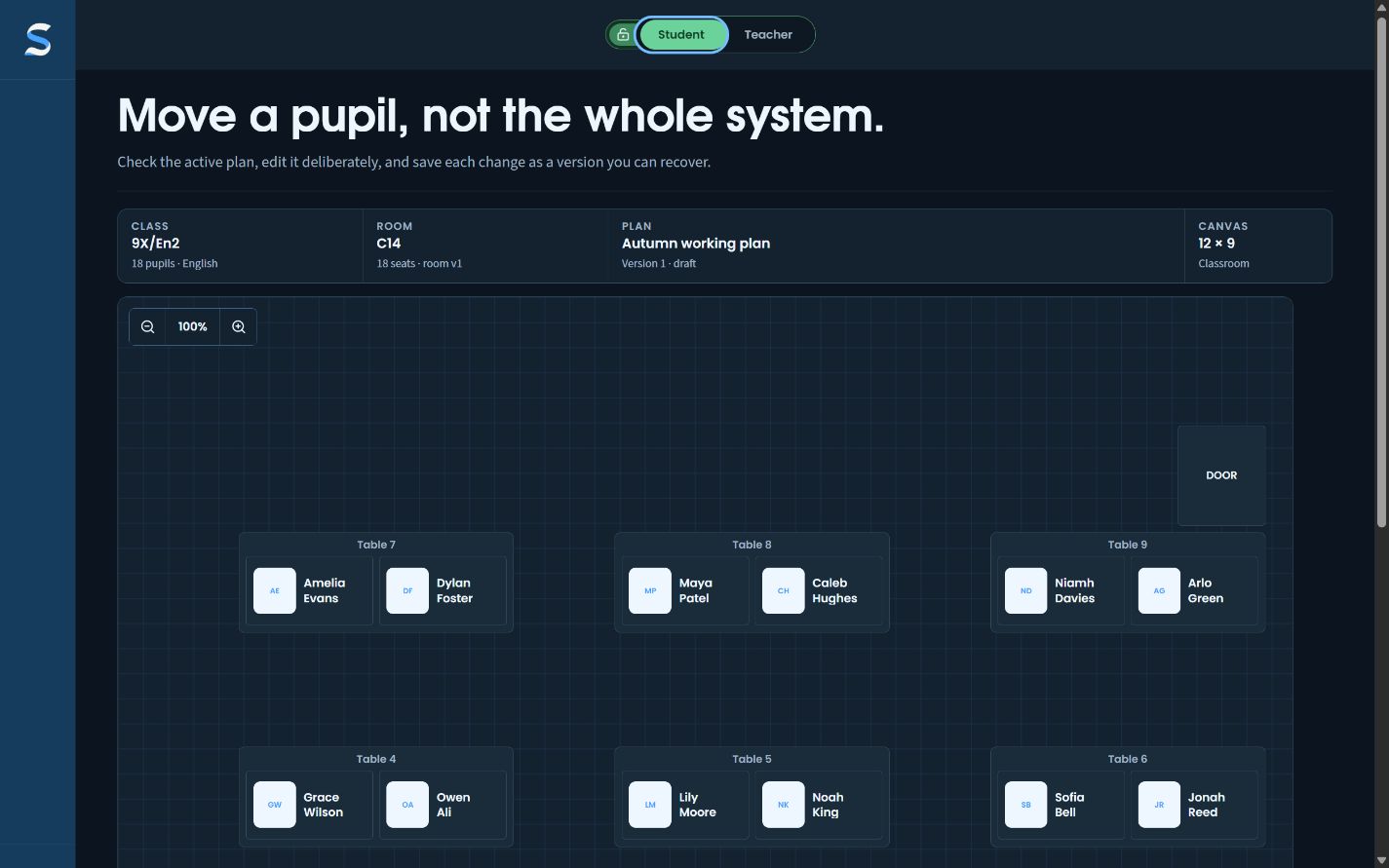
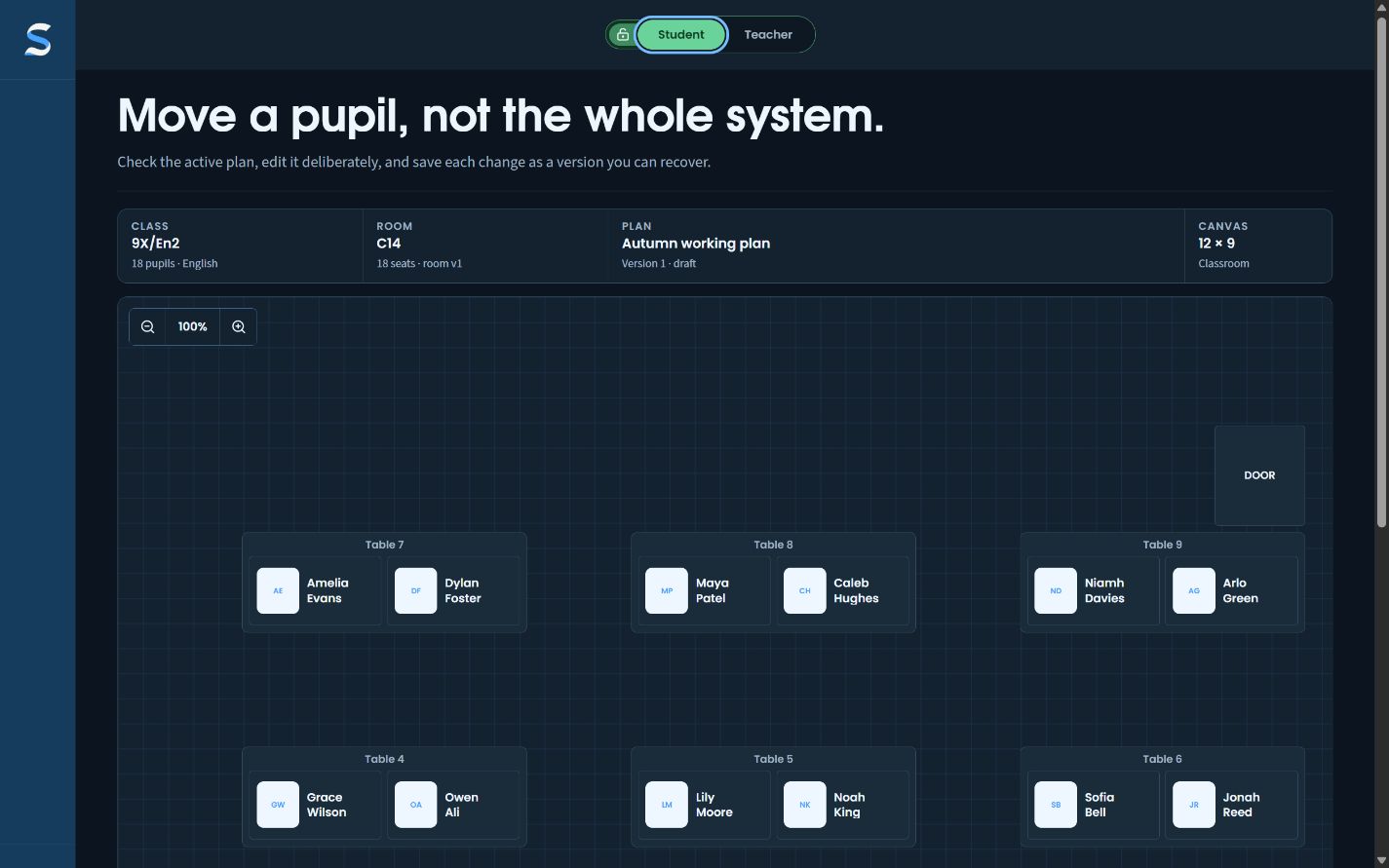
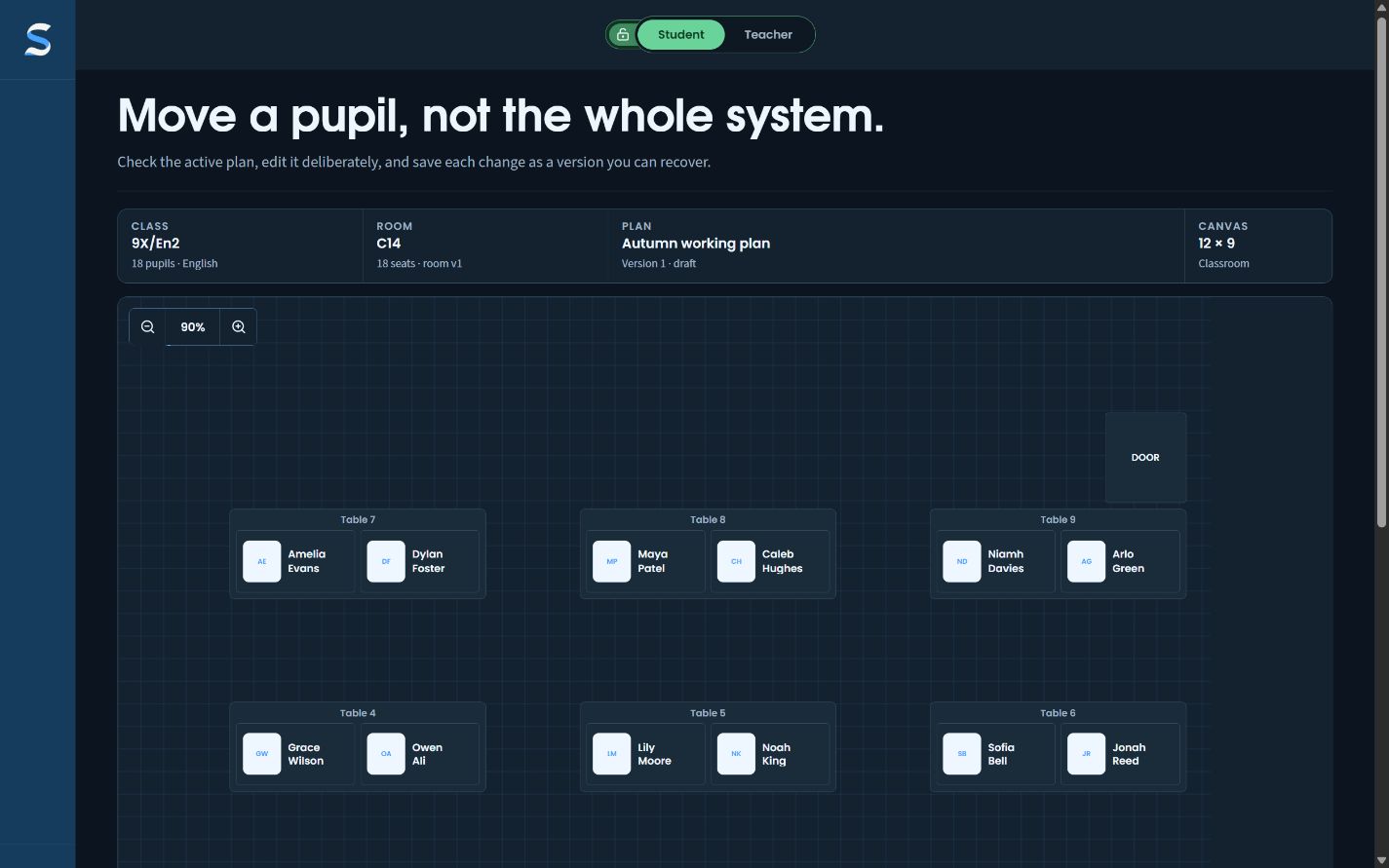
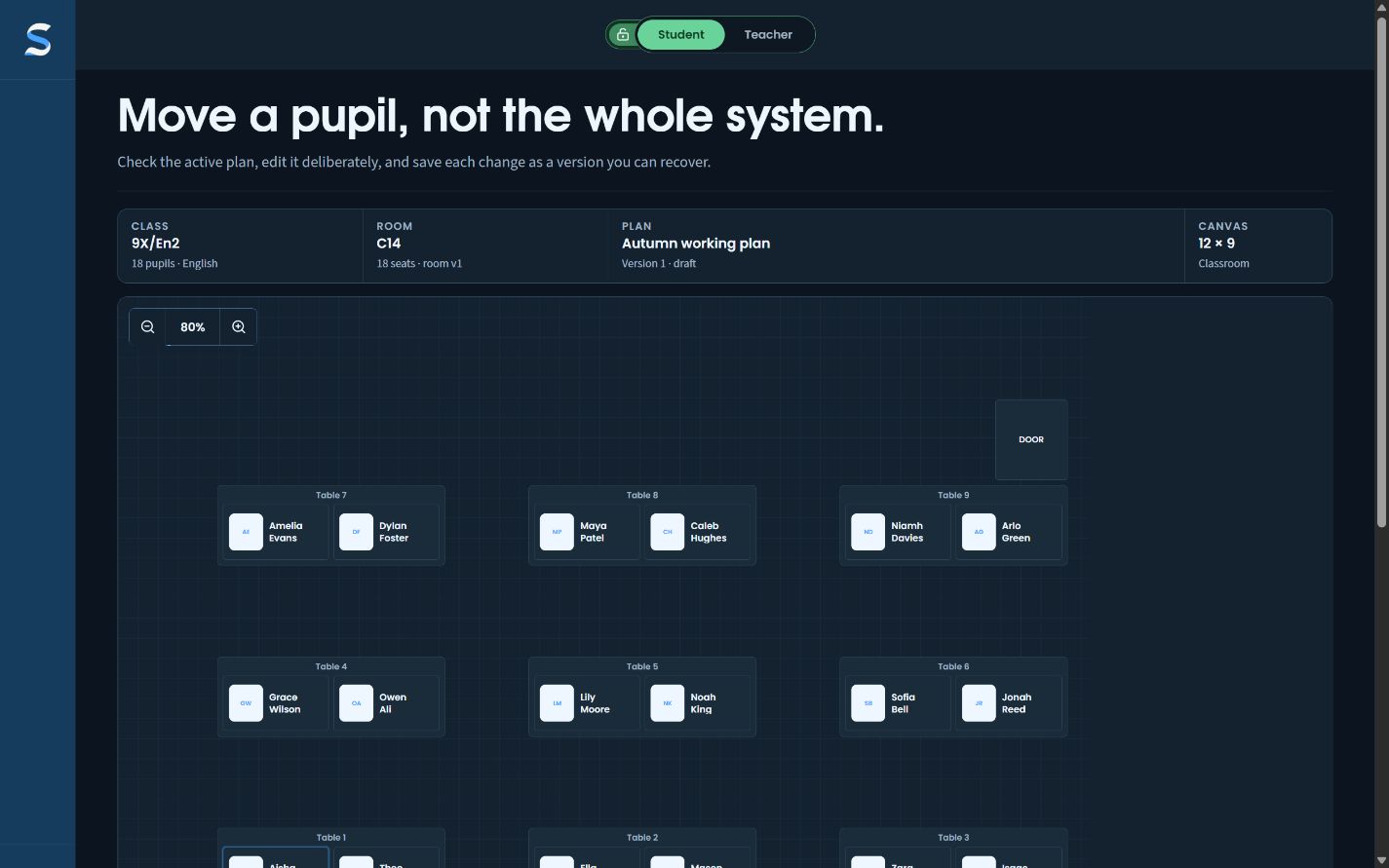
The same live plan can move from a teacher-facing working view to a names-only student view without producing a second, stale copy.
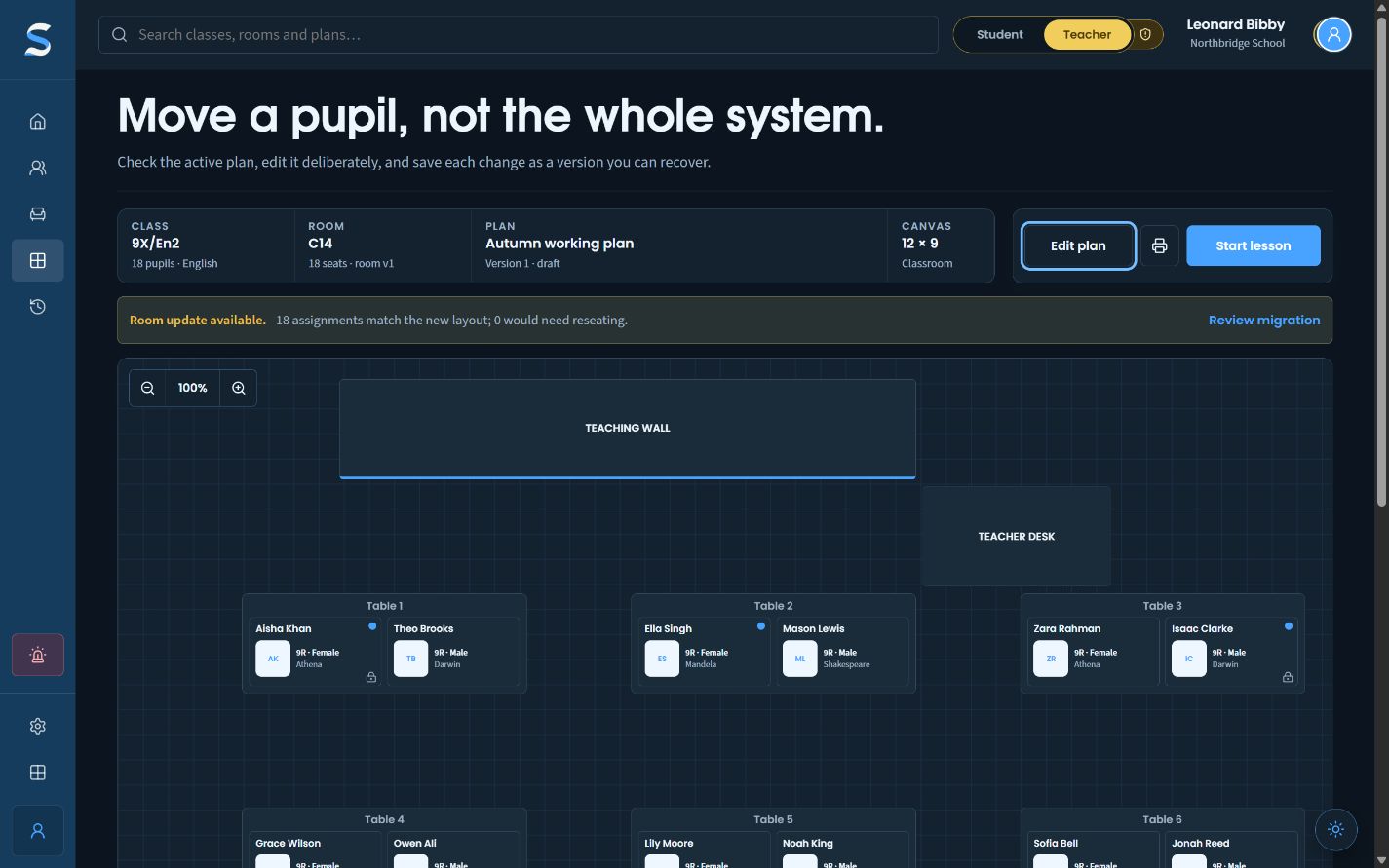
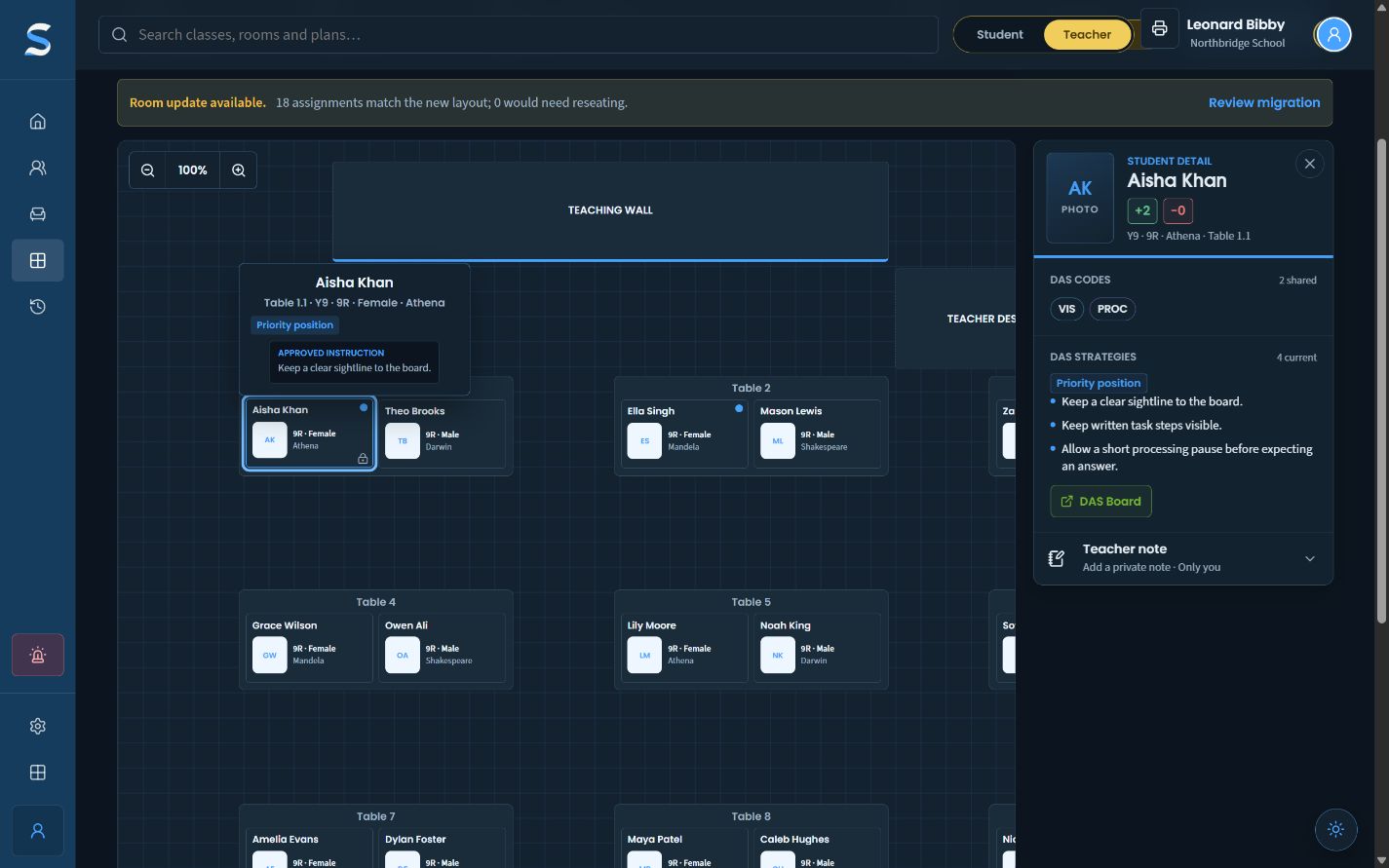
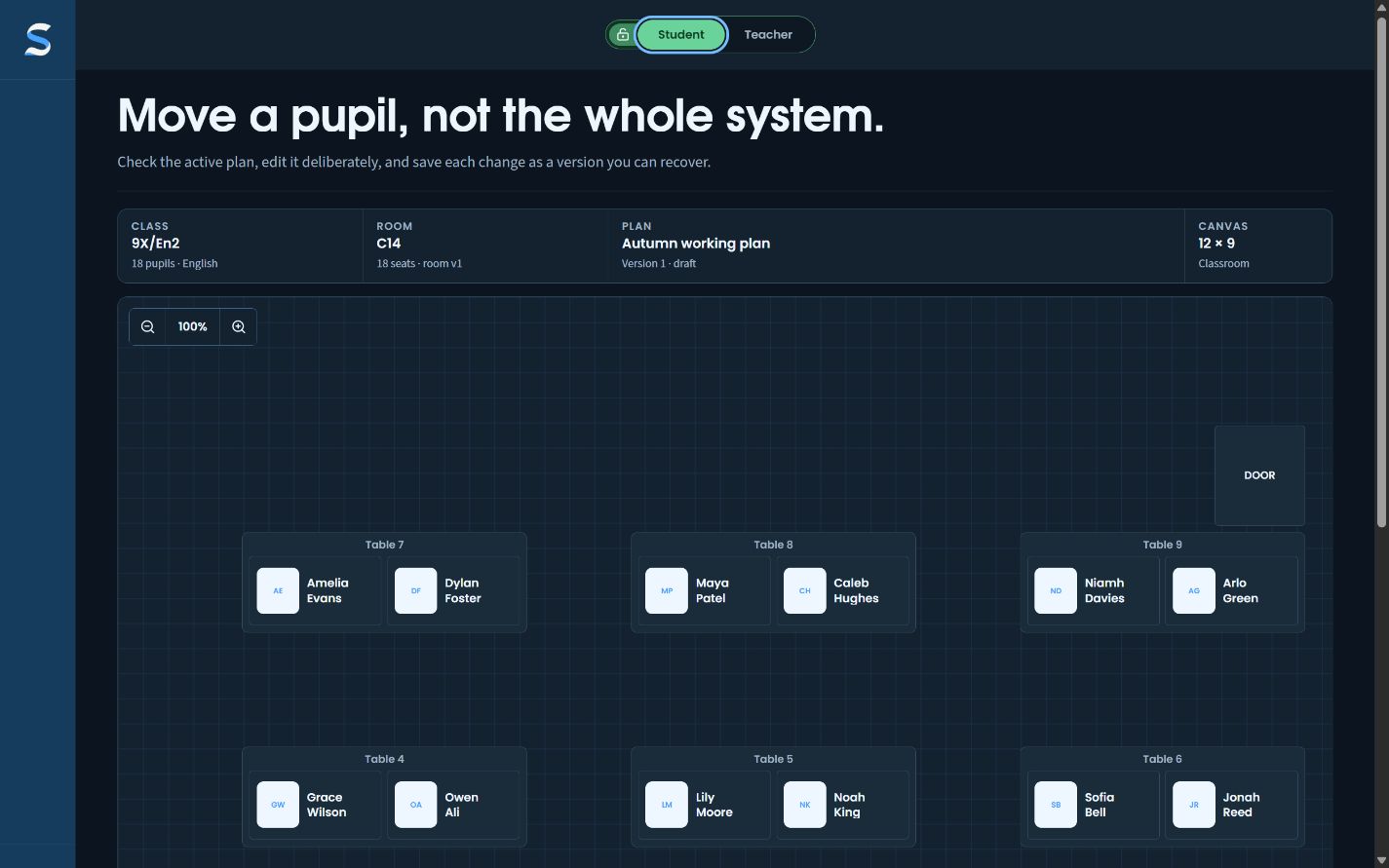
A wide names-only student view of the pre-populated paired classroom.Fictional Northbridge School data
  1. 01Work in teacher view
  2. 02Switch the audience
  3. 03Project only what is needed

The problem

Where the ordinary workflow breaks.

A useful teacher plan can expose more context than a classroom display should. Duplicated presentation versions quickly drift away from the plan being taught.

What SitRep changes

The useful part stays in reach.

SitRep keeps one plan and changes what the audience can see. The teacher view retains permitted context; the student view strips it back to names and places.

Compared cleanly

Not just another way to draw a seating plan.

  1. 01

    Compared with a screenshot

    A screenshot becomes stale as soon as the plan changes. SitRep changes the audience view of the current plan.

  2. 02

    Compared with an always-open pupil profile

    Teacher context is available when needed rather than permanently projected across the room.

The honest boundary

What this workflow does not claim.

Privacy modes reduce exposure; they do not replace school access rules, screen-position decisions or staff judgement about what should be displayed.

Next: Review a lessonAll three demos